
Blog
Product updates, tips, and news from Goodchoice.
7/22/2026 · Goodchoice Team
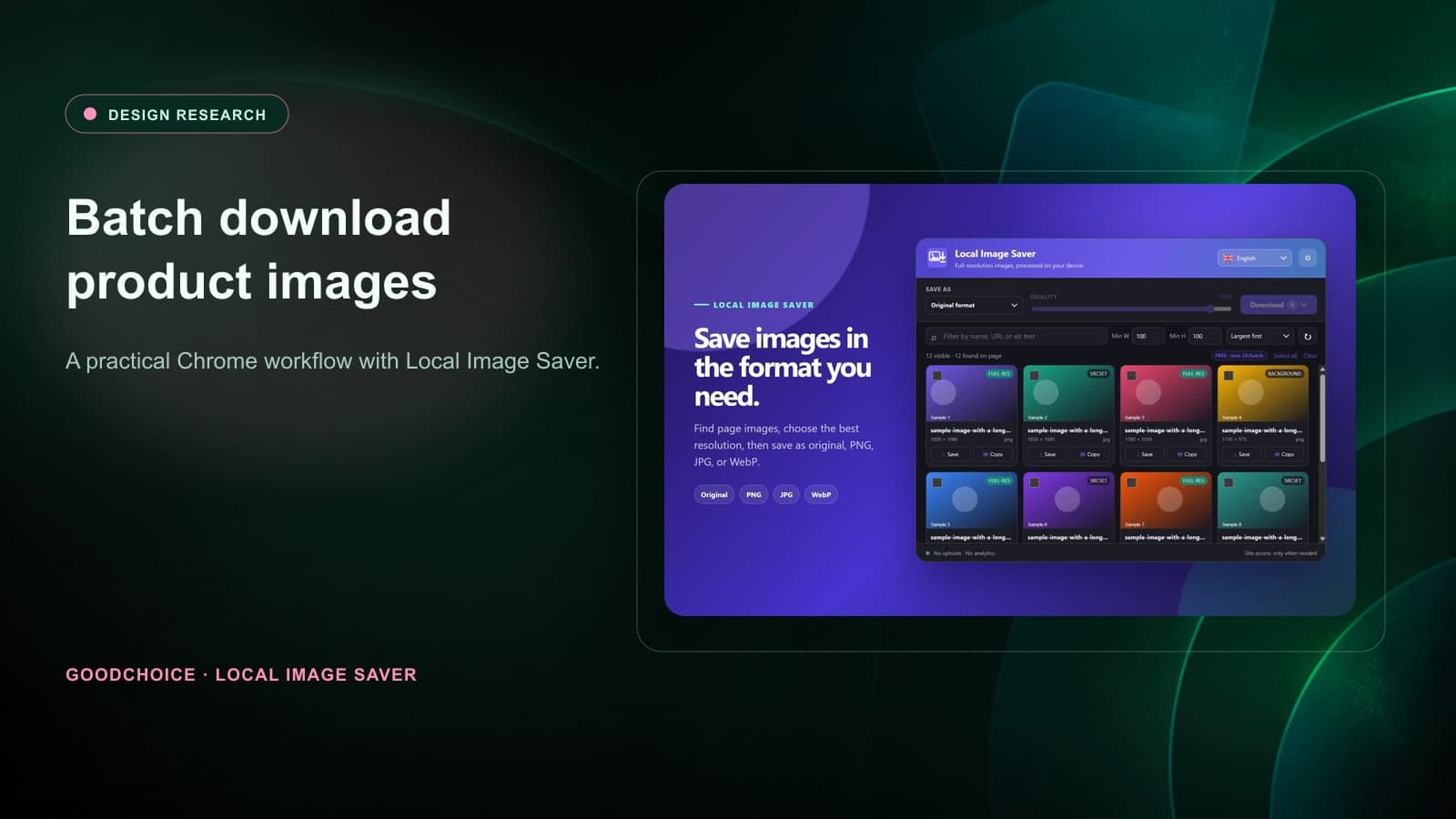
How to Batch Download Product Images for Design Research
A respectful, organized workflow for collecting product image references from web pages for design research, audits, and mood boards.
7/22/2026 · Goodchoice Team
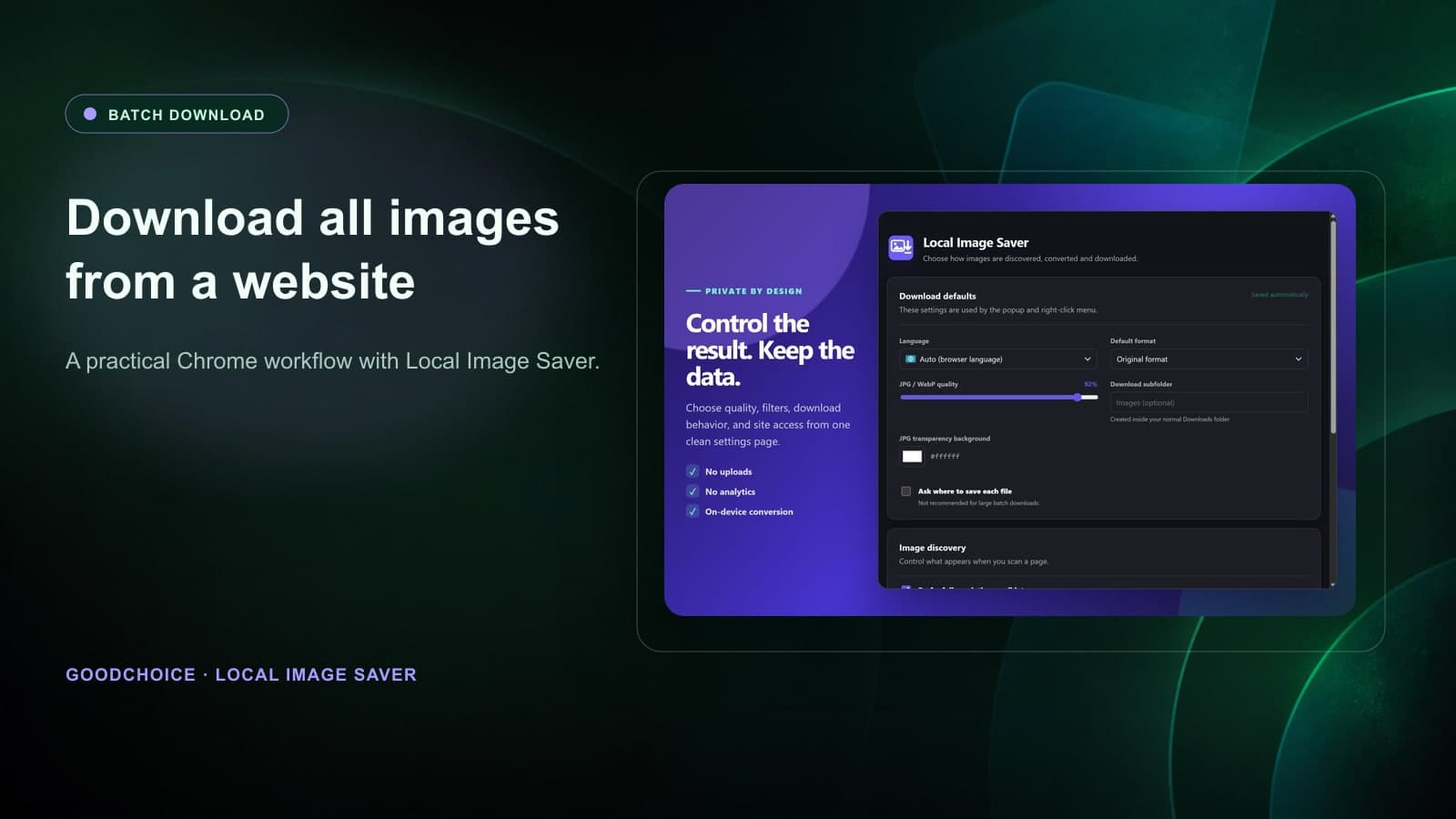
How to Download All Images from a Website in Chrome
A practical guide to selecting and downloading multiple images from a web page in Chrome without turning your Downloads folder into a mess.
7/22/2026 · Goodchoice Team
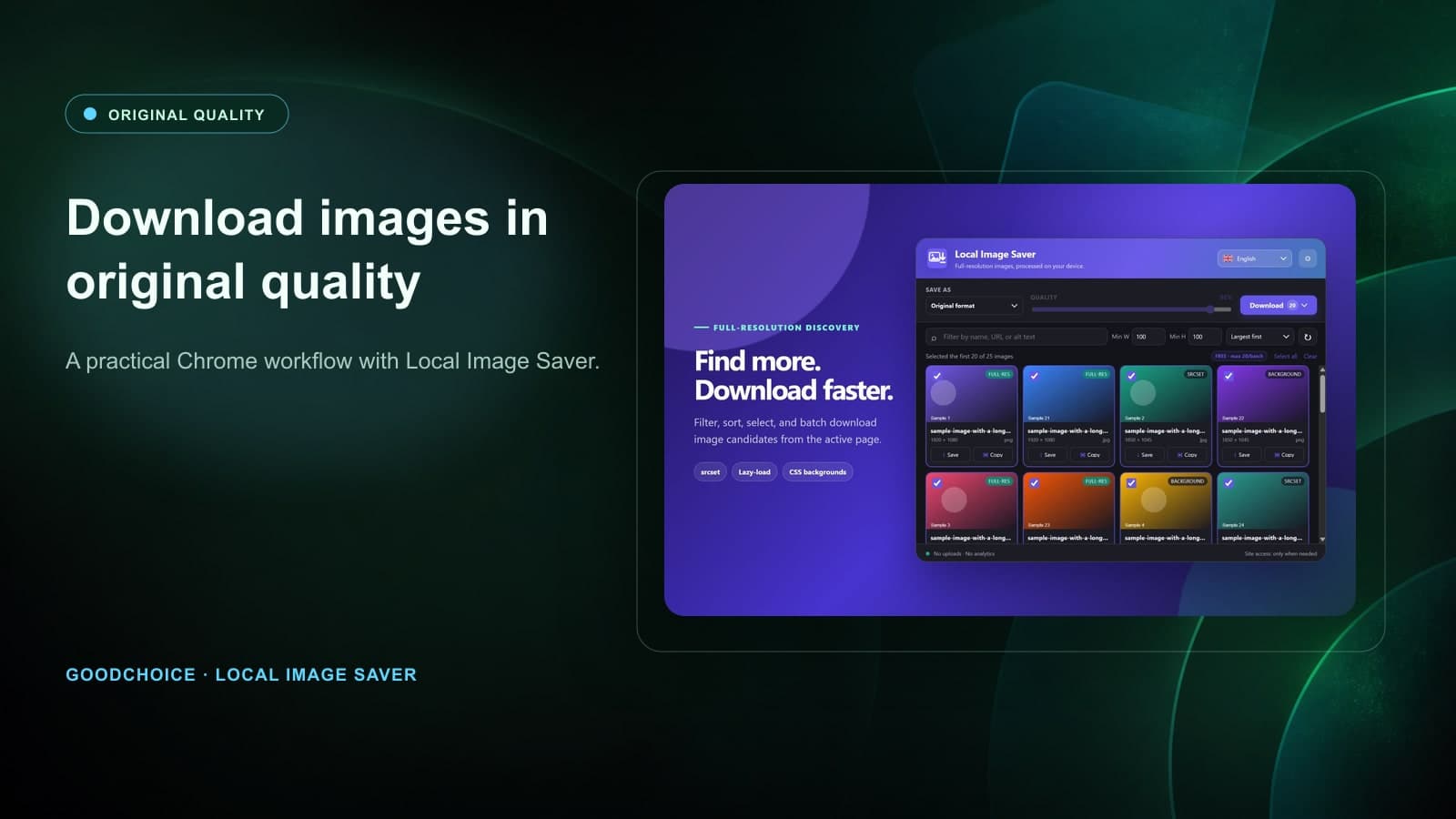
How to Download Images from a Website in Original Quality
Learn how to find and download the best available image version from a website in Chrome without relying on screenshots or random file names.
7/22/2026 · Goodchoice Team
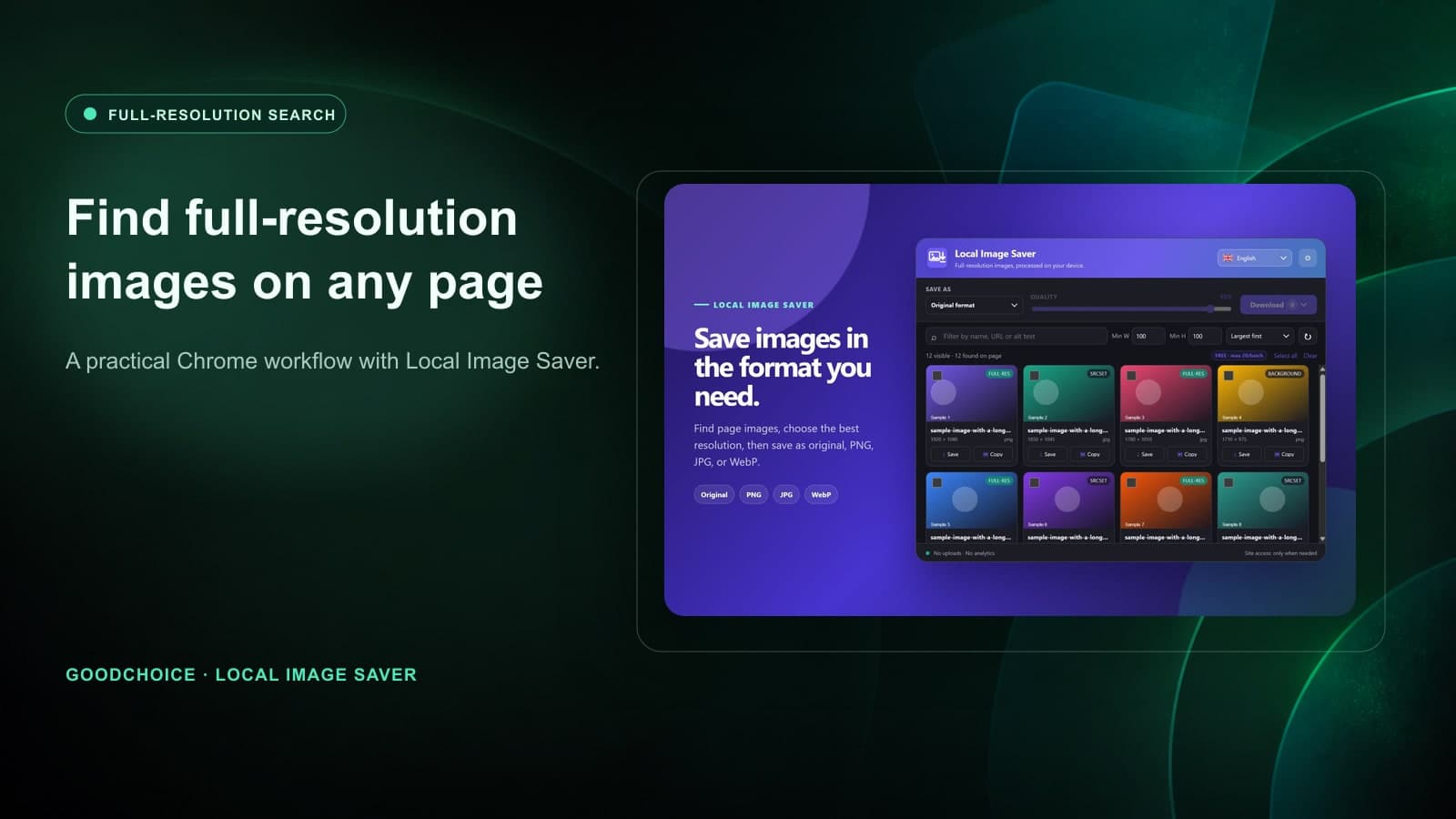
How to Find and Download Full-Resolution Images from a Website
Find the best available image candidate on a web page, compare dimensions, and download it in a format that suits your next task.
7/22/2026 · Goodchoice Team
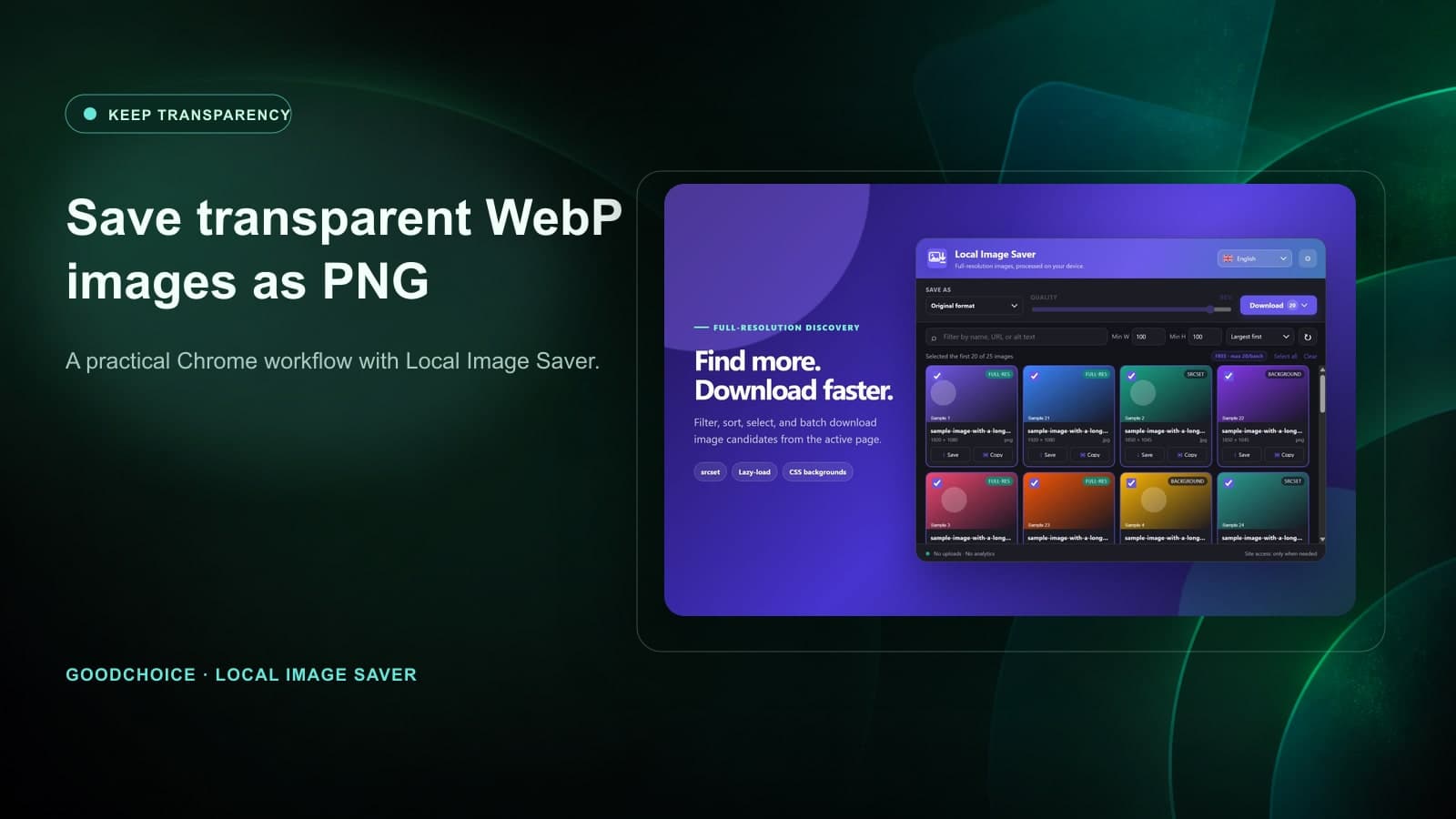
How to Save Transparent WebP Images as PNG
Keep alpha transparency when saving WebP logos, cutouts, stickers, and UI assets. Learn when PNG is the right output format in Chrome.
7/22/2026 · Goodchoice Team
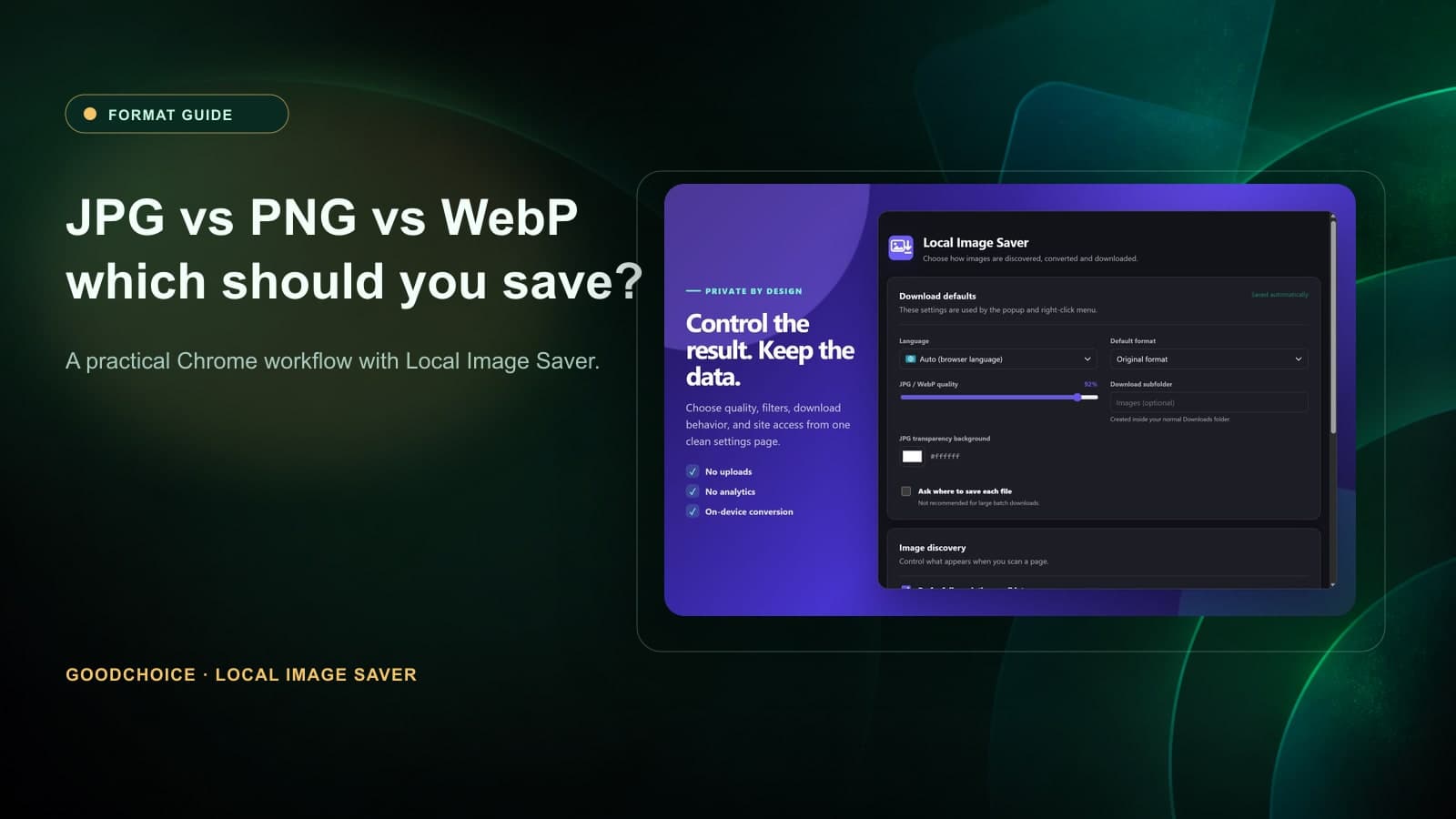
JPG vs PNG vs WebP: Which Image Format Should You Download?
Choose the right image format for photographs, transparent graphics, design references, and web uploads with this practical JPG vs PNG vs WebP guide.
7/22/2026 · Goodchoice Team
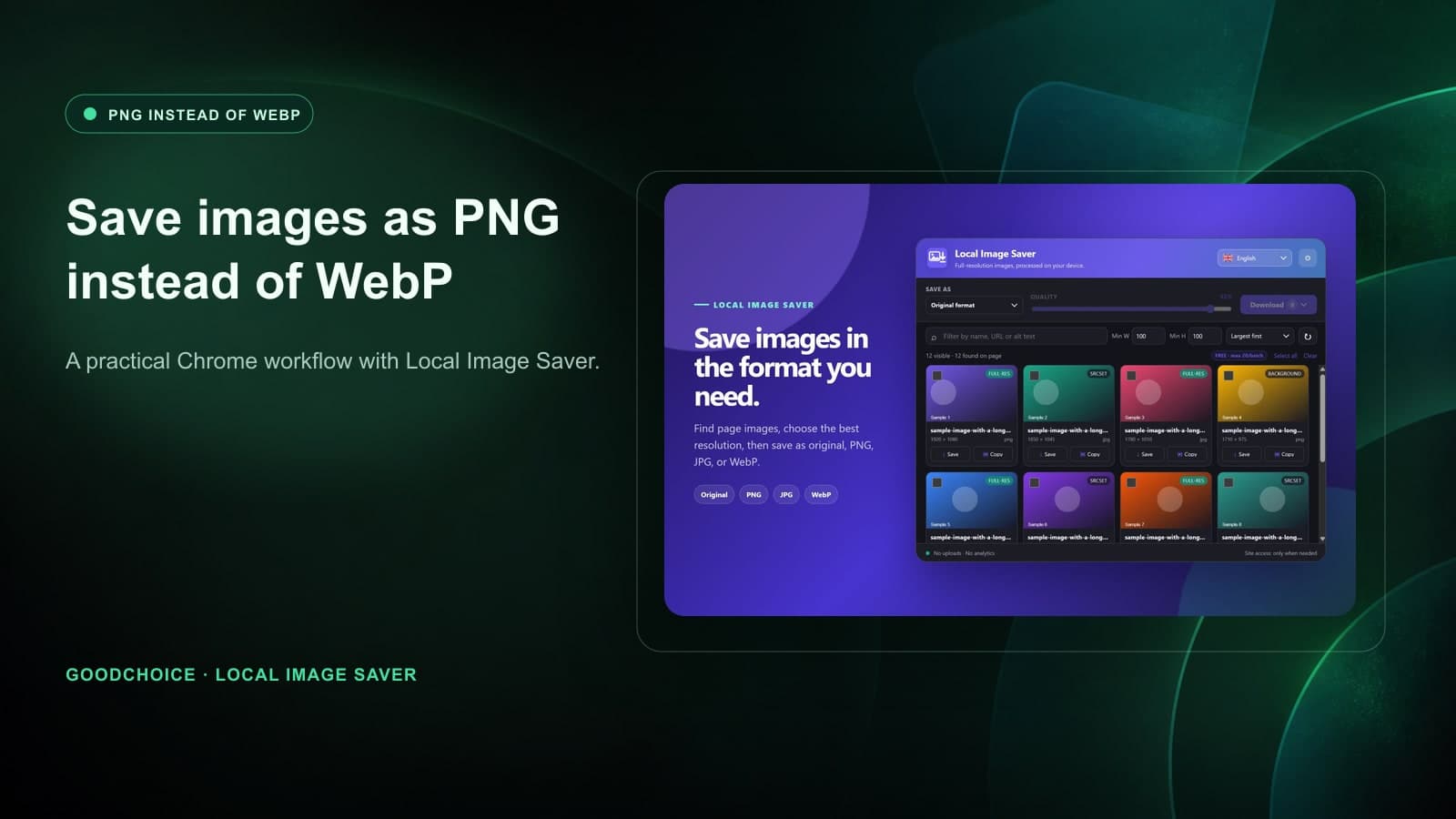
How to Save Images as PNG Instead of WebP in Chrome
Stop Chrome downloads from leaving you with WebP when you need PNG. Learn a private, browser-first workflow with Local Image Saver.
7/22/2026 · Goodchoice Team
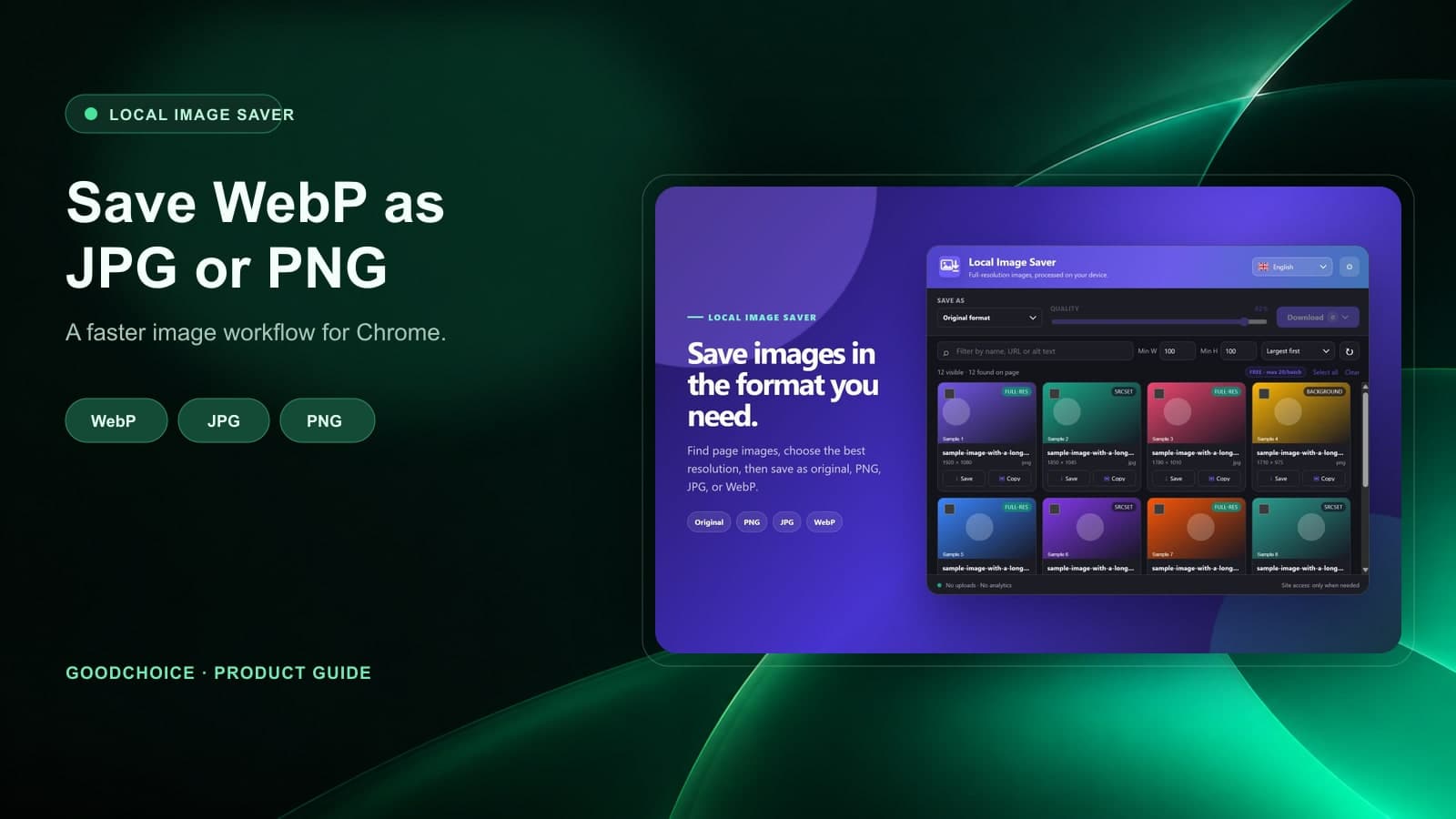
How to Save WebP as JPG in Chrome (Without an Online Converter)
Learn how to save WebP images as JPG or PNG in Chrome without uploading files to an online converter. A practical Local Image Saver workflow.